RNG Helper
Program Description
Semi-automate button presses for performing RNG manipulation in FireRed and LeafGreen. This program requires some knowledge of how RNG manipulation is performed as well as external tools to select your target frame and advance.
This program includes options for several RNG targets:
Gifts
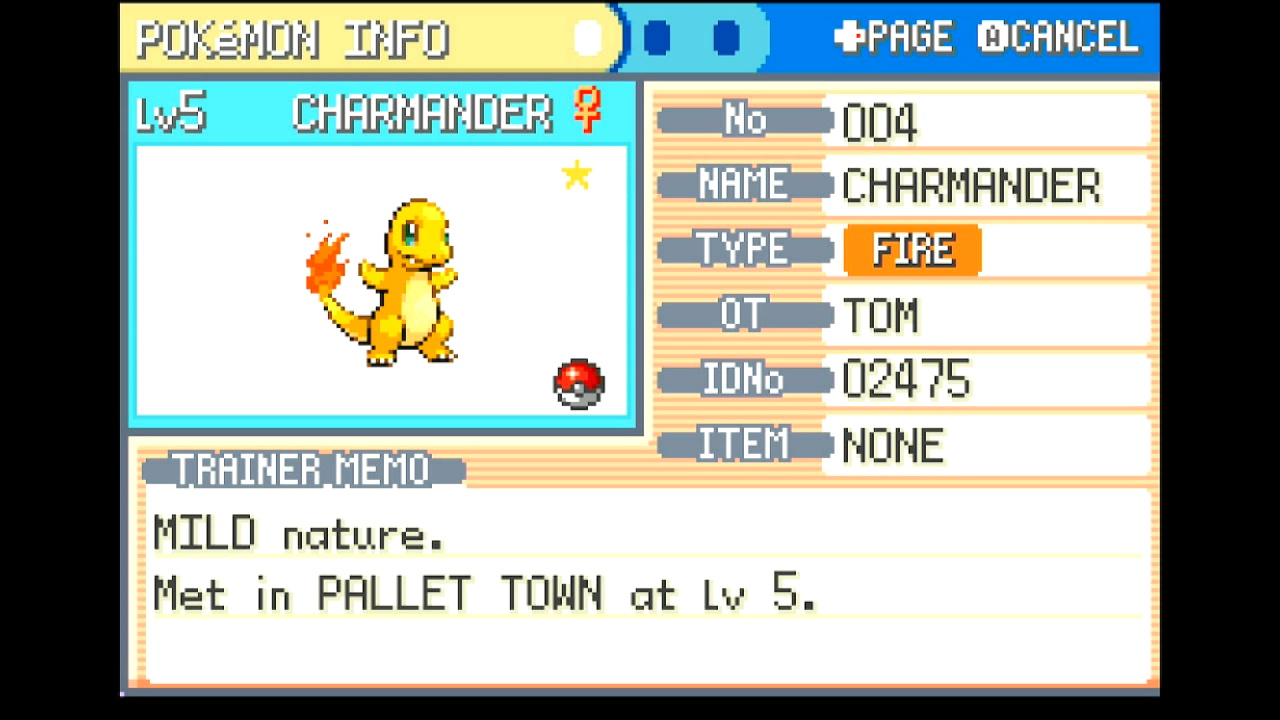
- Bulbasaur / Squirtle / Charmander (Starters)
- Magikarp (Route 4 Gift)
- Hitmonchan / Hitmonlee (Saffron City Gift)
- Eevee (Celadon City Gift)
- Lapras (Silph Co. Gift)
- Omanyte / Kabuto / Aerodactyl (Fossils)
- Game Corner Prizes
- Abra
- Clefairy
- Scyther / Pinsir
- Dratini
- Porygon
- Togepi (Water Labyrinth Gift Egg)
Static Encounters
- Electrode (Power Plant)
- Snorlax (Routes 12 and 16)
- Articuno / Zapdos / Moltres
- Mewtwo
- Hypno (Berry Forest)
- Ho-oh (Navel Rock)
- Lugia (Navel Rock)
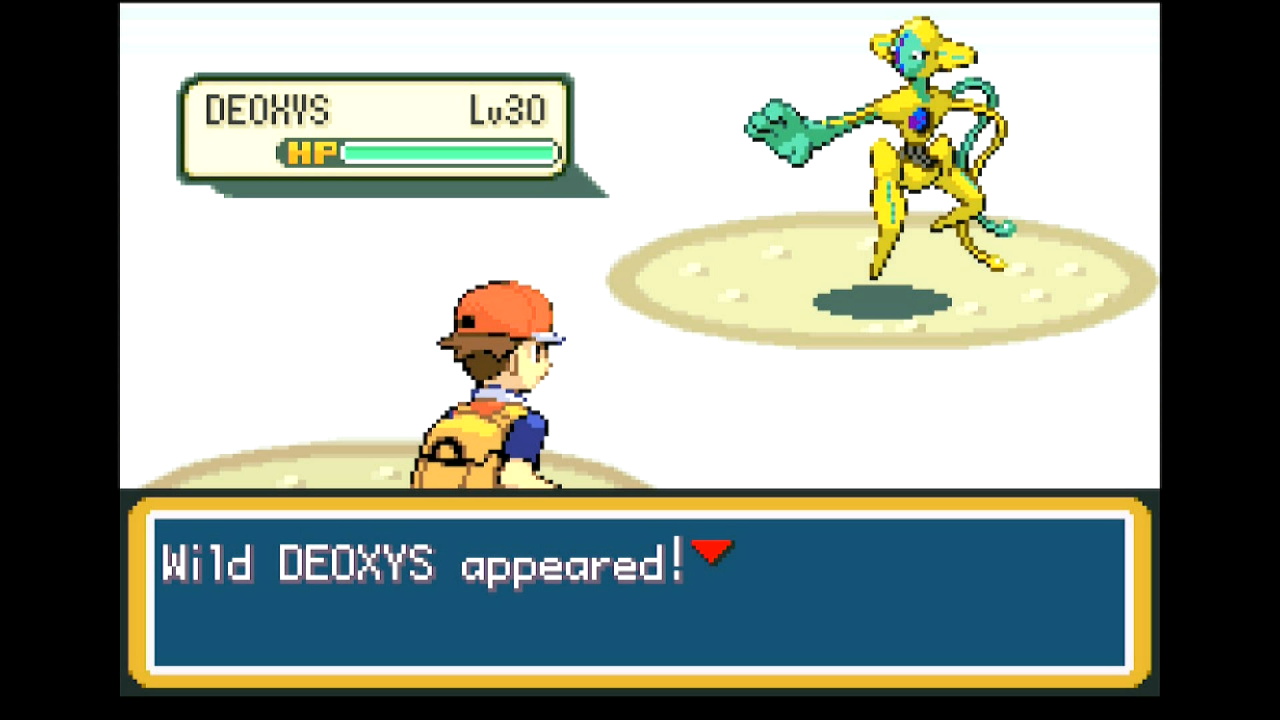
- Deoxys (Birth Island)
Random Encounters
- Sweet Scent (for any location where wild Pokémon spawn when walking or surfing)
- Fishing
- Safari Zone
Instructions
Switch Settings:
- Screen size: Must be 100% within the Switch settings
- System memory: If the game data for FireRed/LeafGreen is on an SD card, move it to the Switch's system memory to reduce variability of reset times.
- Single-Profile Users: If you only have one user profile, make sure you disable 'Skip Selection Screen' in System Settings -> User settings.
- Disable Auto Sleep: Make sure to disable the 'Auto-Sleep' feature in System Settings -> Sleep Mode -> Auto-Sleep
- Switch 2: All HDR options must be disabled.
- Switch 2: The profile you are using must be the 1st (left-most) profile.
Program Settings:
- Video Resolution: 1080p or higher
Game Settings:
- Text Speed: Fast
- Button Mode: NOT L=A
- Frame: Type 1
- Mono / Stereo depending on your target Seed
Before You Start
-
Know your Secret ID and use it to determine your target Seed and Advance. See the SID Helper program for a way to obtain your Secret ID.
-
Be ready to manually adjust your timings. This program does not perform automatic calibration!
-
Come prepared. Ensure you have any necessary Pokémon (e.g. a Sweet Scent user) and items (e.g. a Super Rod, Pokéballs, Max Repel) required by your target
-
If fishing, register the rod of your choice to the SELECT button
-
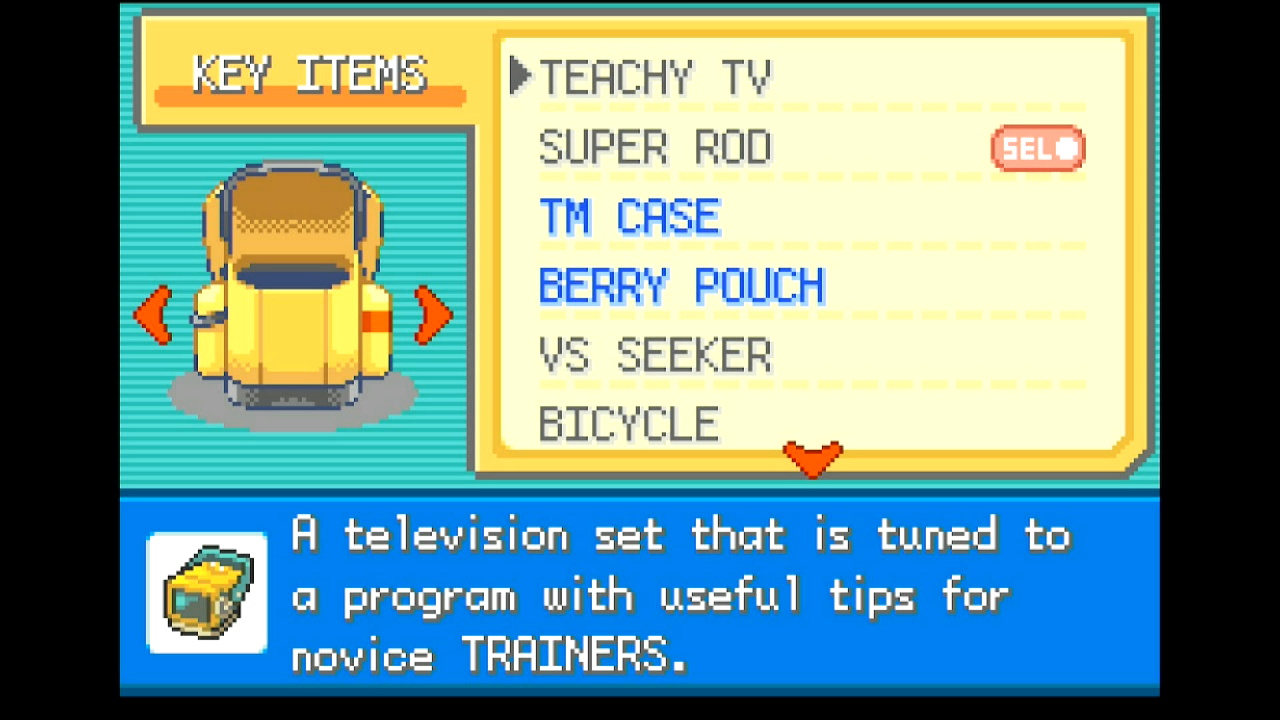
If using the Teachy TV, place it at the top of your KEY ITEMS pocket.
In-Game Instructions
Refer to the following tables for setup instructions for each target:
Gifts
For all gifts/prizes, make sure you have a free spot in your party to allow the program to check the Pokémon you obtain.
| Target | Image |
|---|---|
| Starters - Save facing the Pokéball with your desired starter |
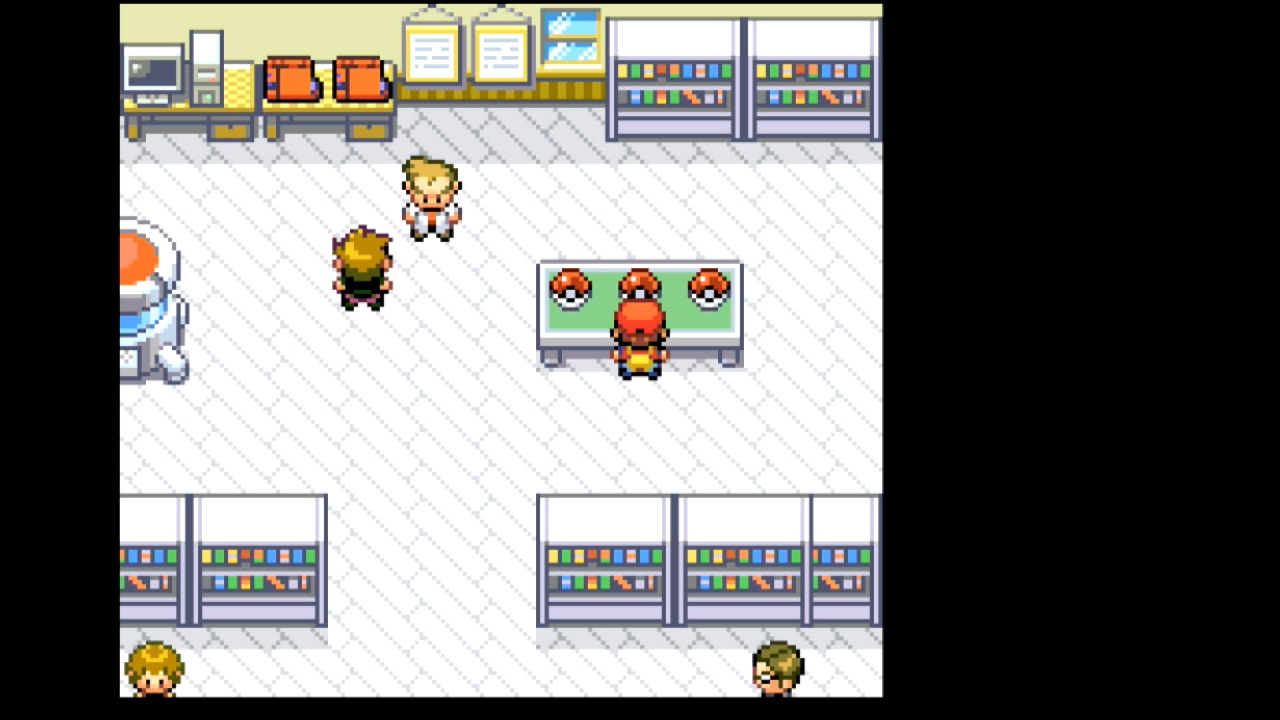 |
| Magikarp - Have at least 500 Pokédollars - Save facing the Magikarp salesman |
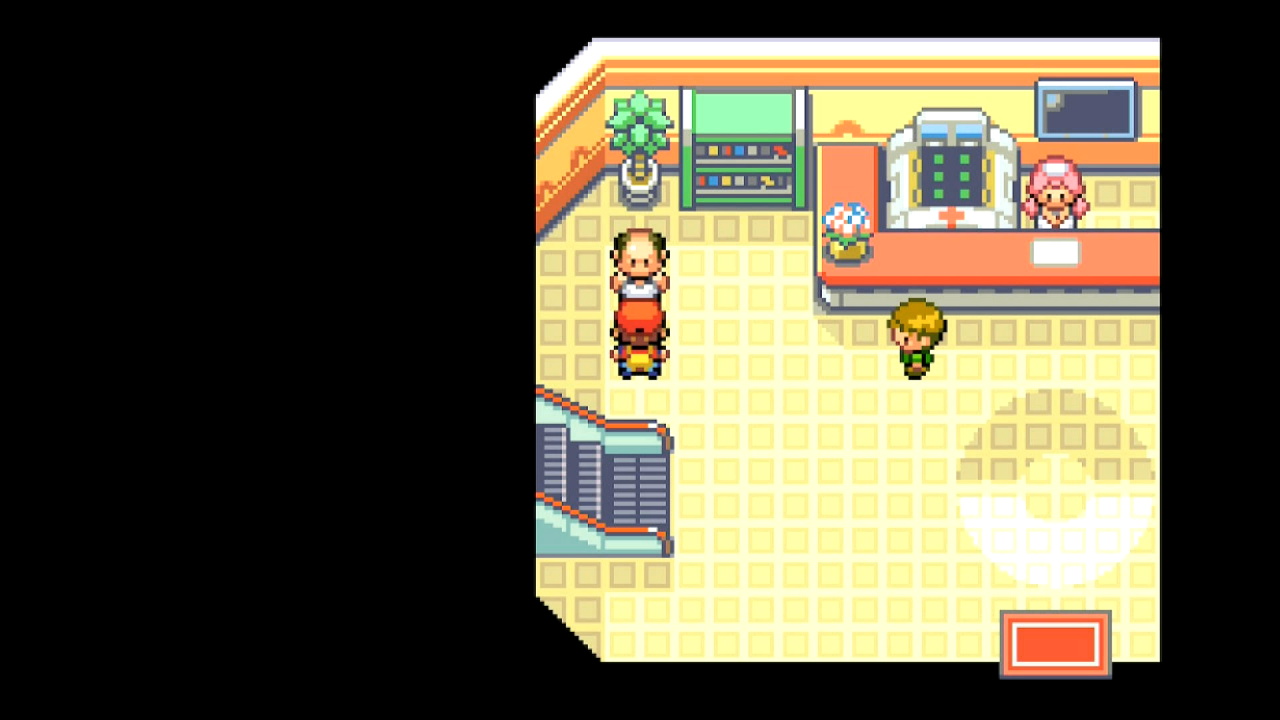 |
| Hitmonchan / Hitmonlee - Save facing the Pokéball with your desired choice |
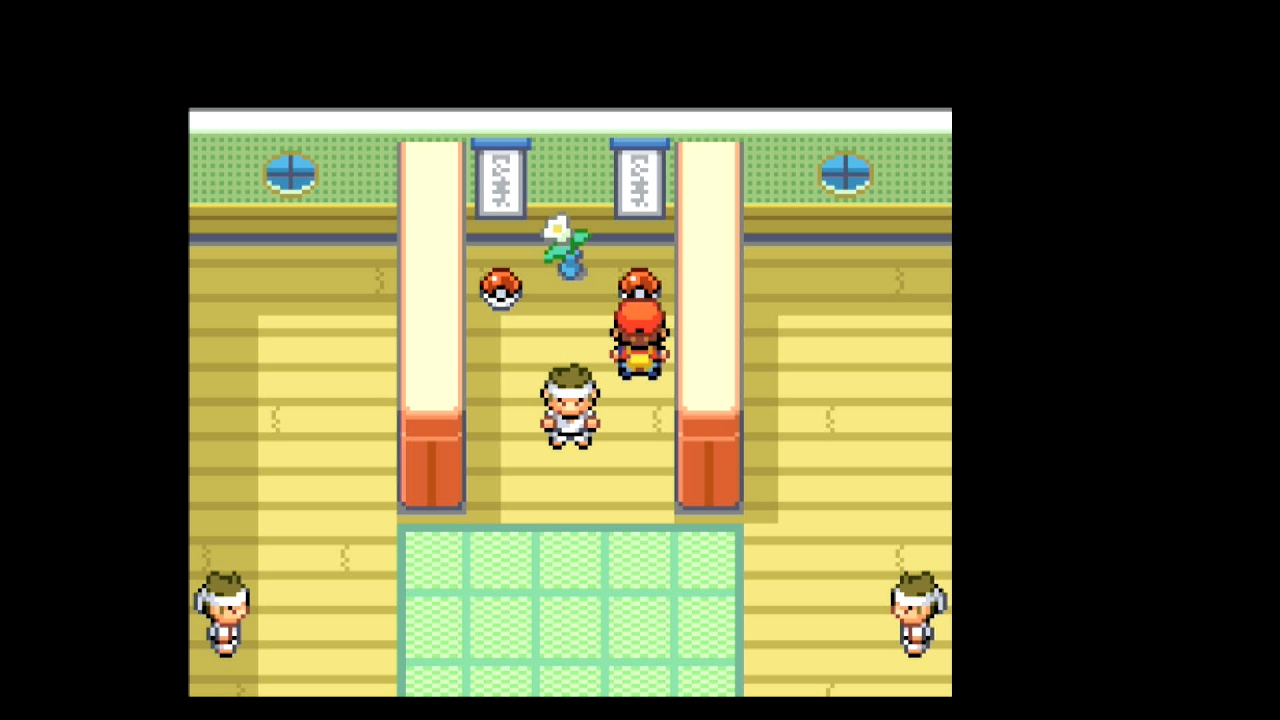 |
| Eevee - Save facing Eevee's Pokéball |
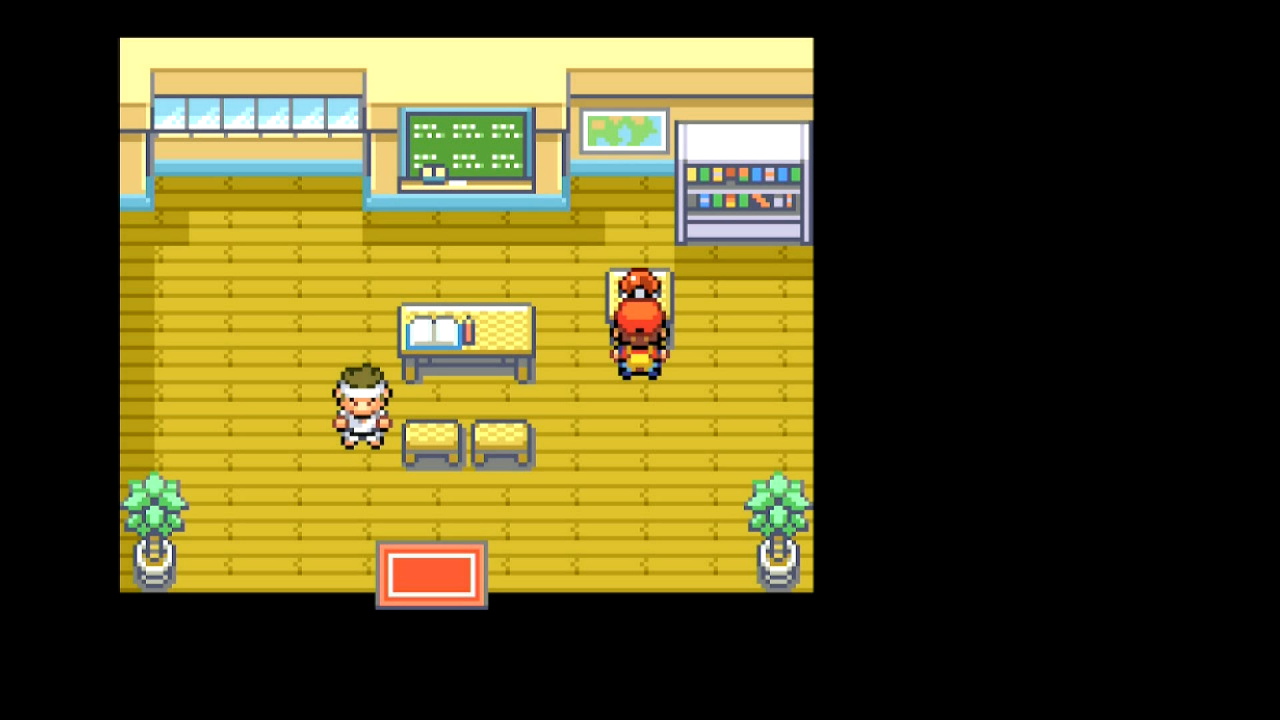 |
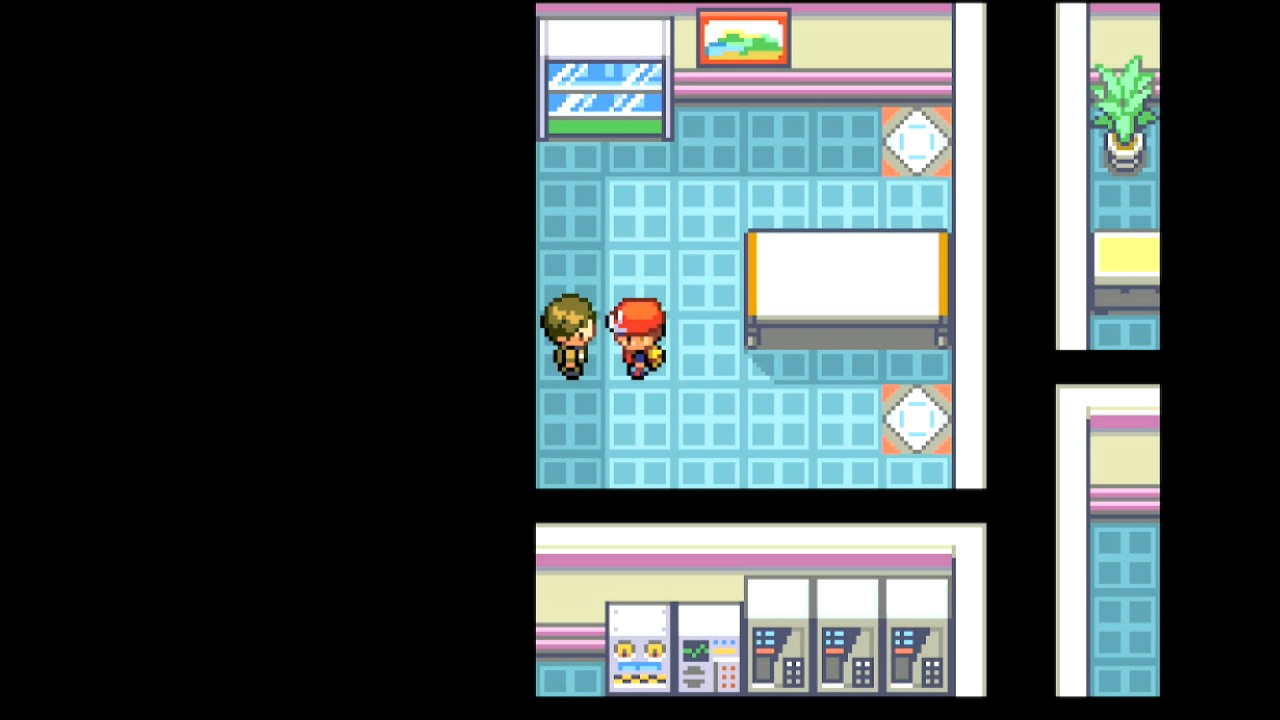
| Lapras - Save facing the Silph Co. employee |
 |
| Fossils - Give a fossil to the scientist at the Cinnabar Lab - Exit and reenter the building - Save next to the scientist |
 |
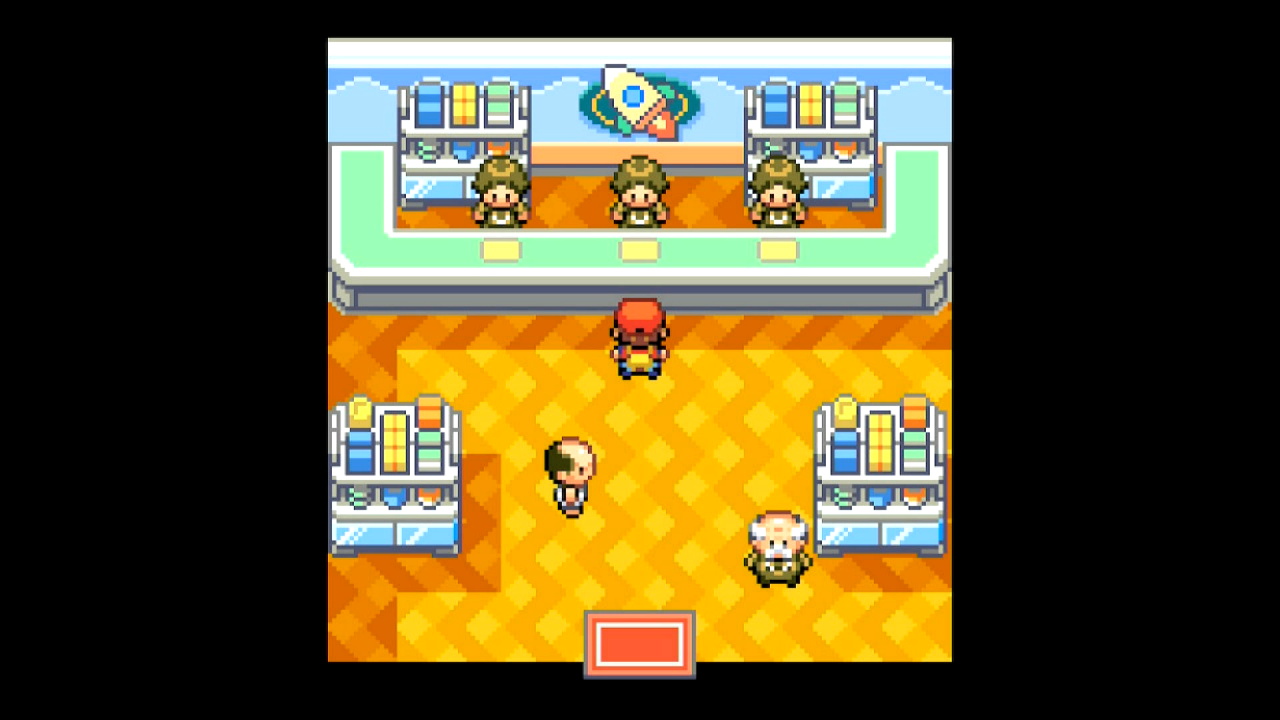
| Game Corner Prizes - Have enough coins to purchase your desired prize - Save facing the prize counter |
 |
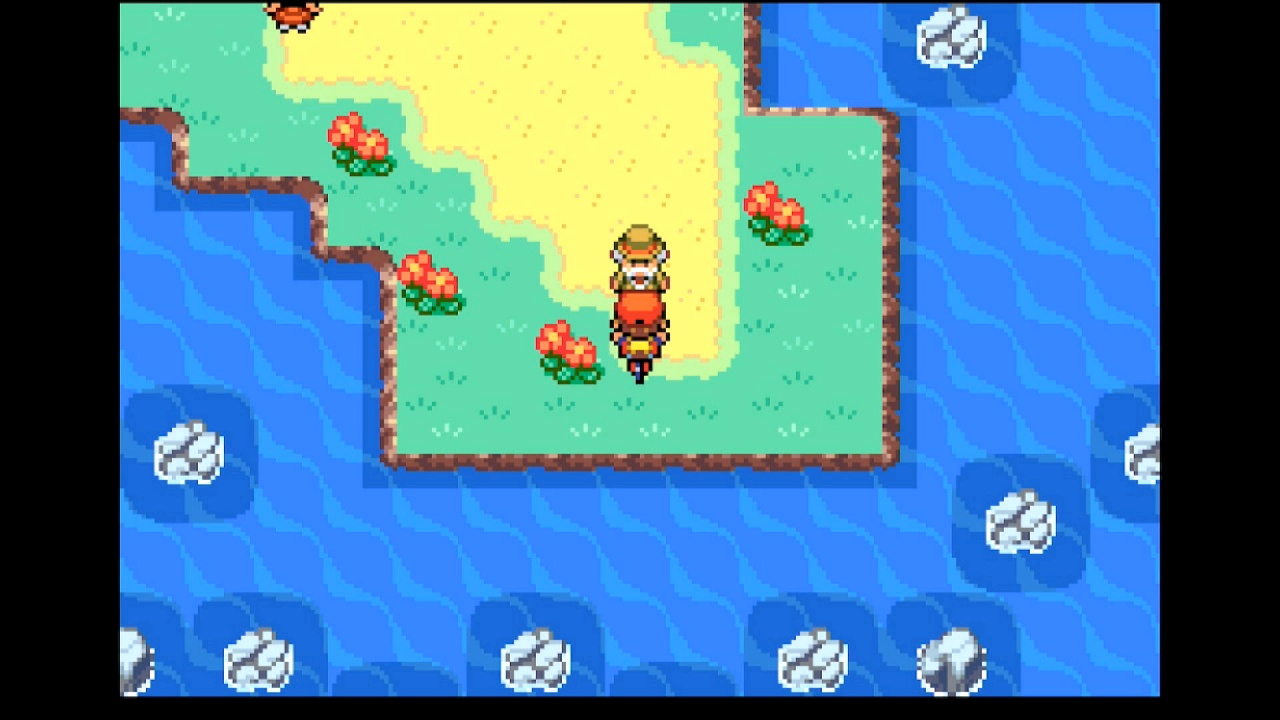
| Togepi - Make sure that you don't have a Repel active - Set your lead Pokémon to something with maximum Friendship - Use your bicycle - Save facing the old man - If you've already shown him a max-friendship Pokémon, but your party was full, use the "Togepi (pre-approved)" option |
 |
Static Encounters
For all static encounters, make sure you have all Pokémon and items you need to succeed in catching your target.
| Target | Image |
|---|---|
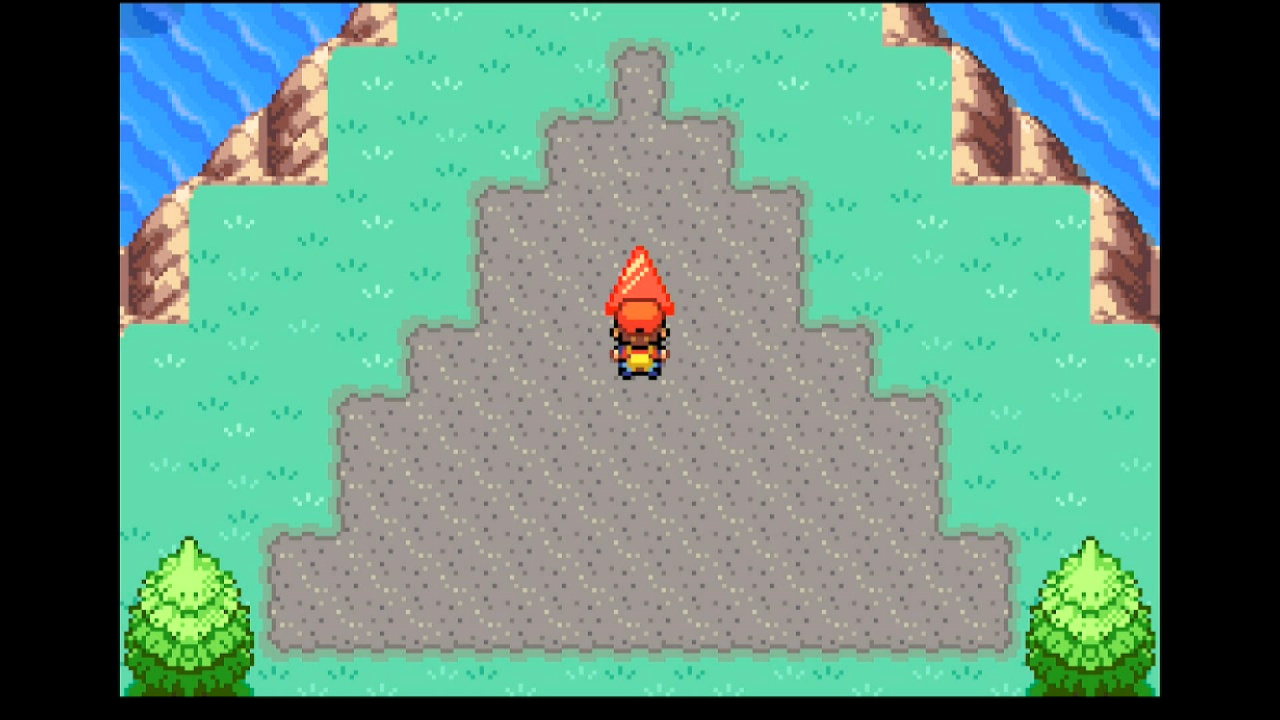
| Static Overworld Encounters - Valid for anything not otherwise listed in this table - (Optional) Pick up any overworld items and break any smashable rocks to prevent them from adding RNG advances - Save facing the Pokémon - For Deoxys, solve the puzzle on Birth Island and save in front of the red triangle |
 |
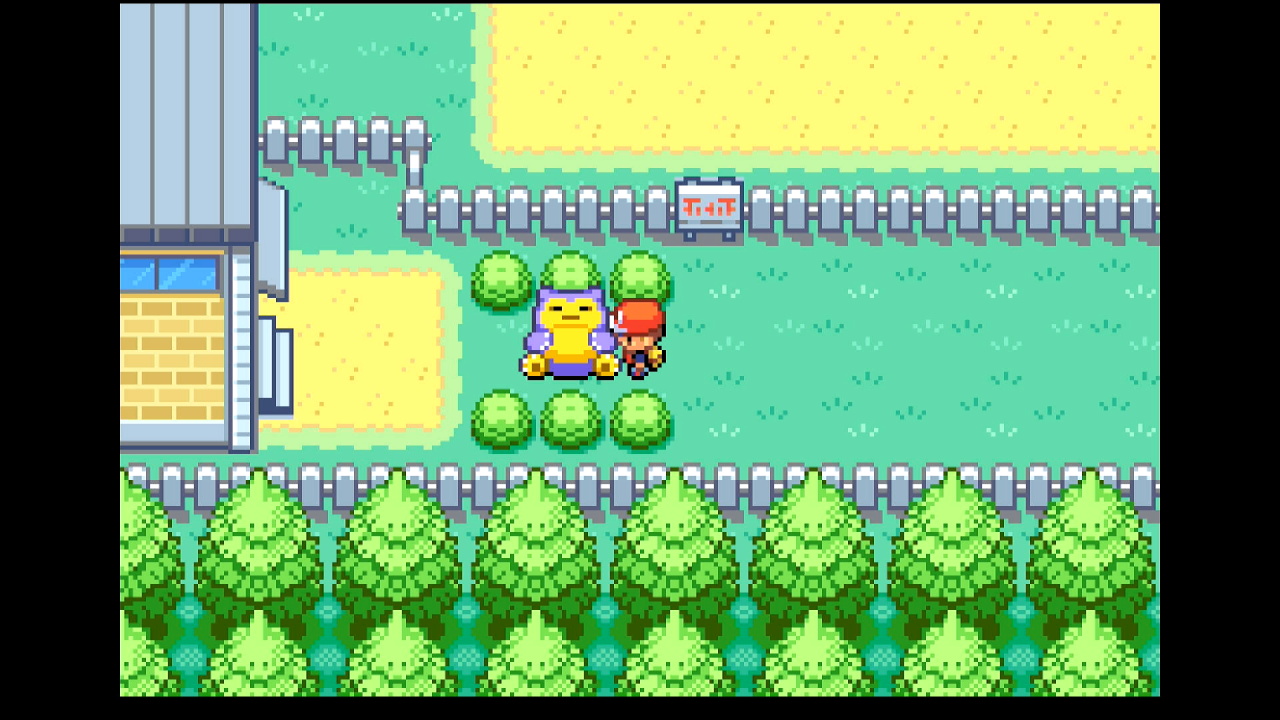
| Snorlax - Obtain the Pokéflute - Save facing Snorlax |
 |
| Mewtwo - Save facing the Mewtwo |
--- |
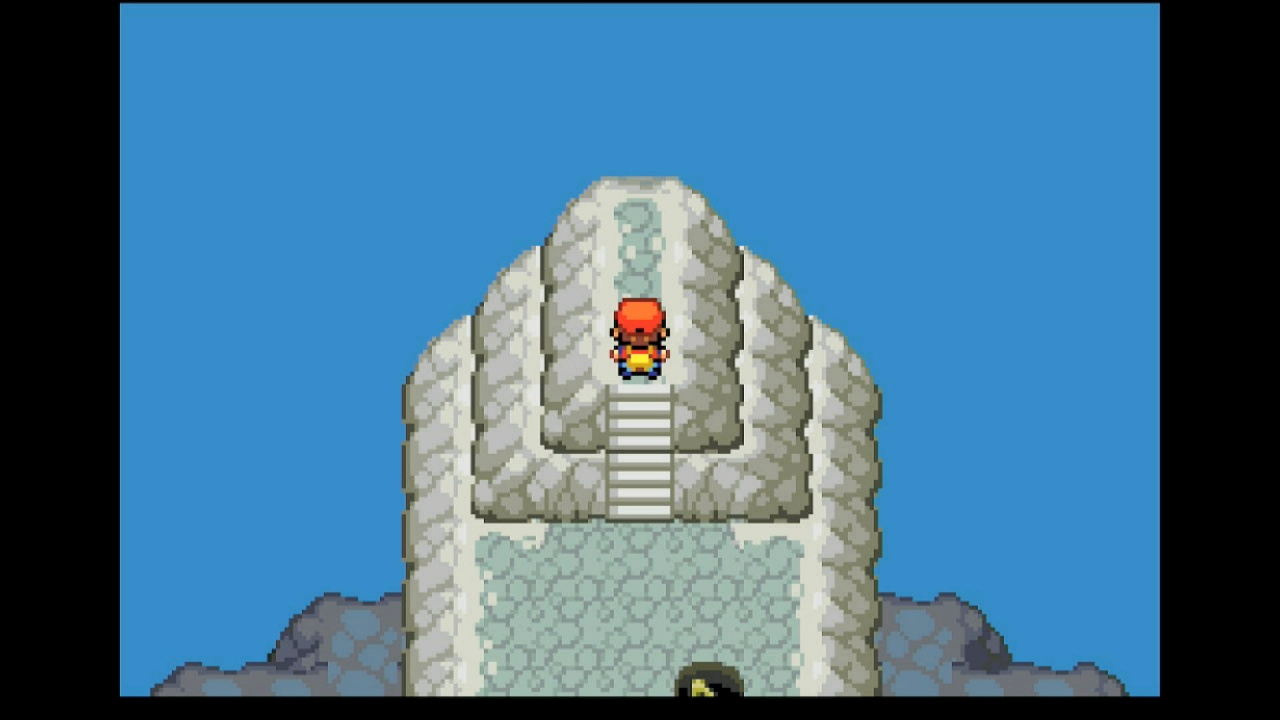
| Ho-oh - Save at the top of the steps at the very top of Navel Rock - The encounter with Ho-oh is triggered after taking another step northward |
 |
| Berry Forest Hypno - Save facing Lostelle in Berry Forest |
--- |
Random Encounters
For all random encounters, make sure you have all Pokémon and items you need to succeed in catching your target.
| Target | Image |
|---|---|
| Sweet Scent - Travel to a location where your target spawns (in tall grass, a cave, etc.) - Move a Pokémon with Sweet Scent to the last occupied slot in your party - Save the game |
--- |
| Fishing - Register the fishing rod you'd like to use to the SELECT button - Travel to the water's edge where your target spawns - Save the game |
--- |
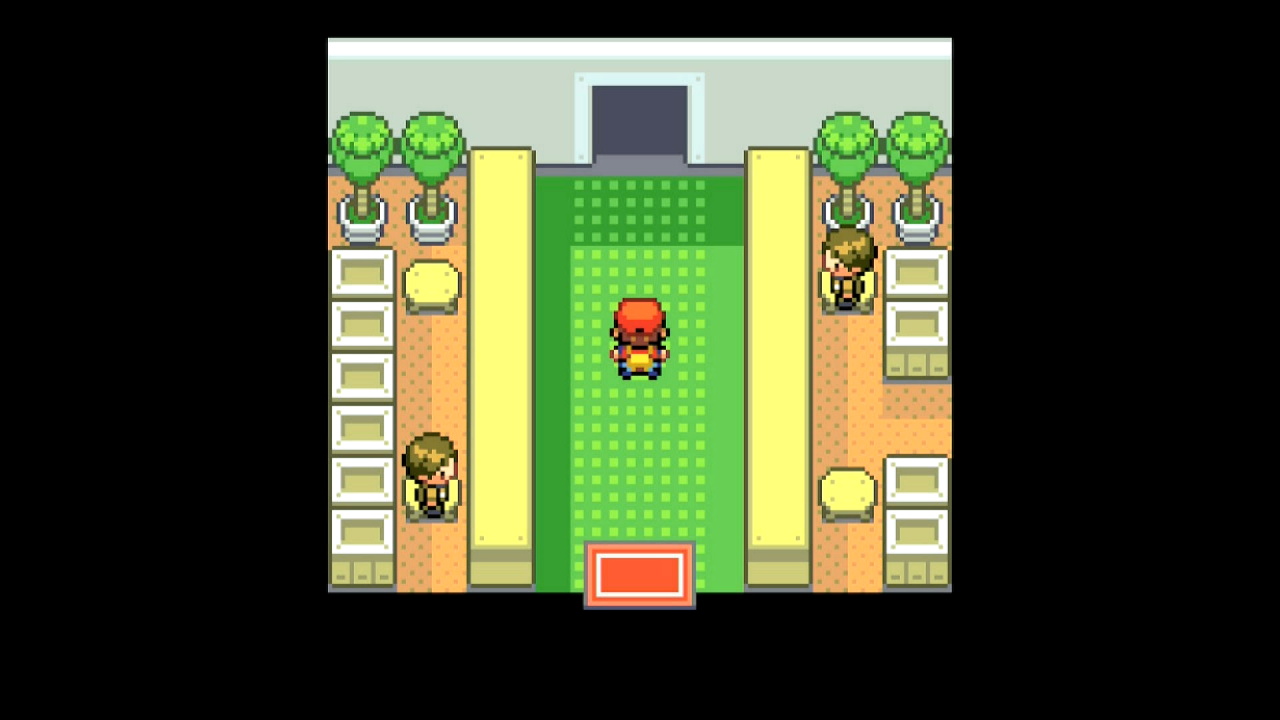
| Safari Zone - If you haven't ever entered the Safari Zone in your current save, enter and exit the Safari Zone - If fishing, register the rod you'd like to use to the SELECT button - Have at least 500 Pokédollars - Stand atop the Pokéball logo on the floor of the Safari Zone entrance - If not fishing, use a Max Repel - Save the game |
 |
Roaming Legendaries
- Acquire the Sapphire from the Rocket Warehouse.
- Have a Pokémon between Lv5 and Lv49 as your lead.
- Have a Pokémon that knows Fly in the last occupied position of your party.
- Fly needs to be the first move selectable from POKéMON screen. If this is not the case, use a different Pokémon, move Fly to its first move slot, or forget any other learned HMs via the Move Deleter in Fuchsia City.
- Make sure you have a free spot in your party to allow the program to check the Pokémon you catch.
- If you have any Rare Candy, move it to the top of the bag's ITEMS pocket.
- Have at least 3 Max Repel in the 2nd-from-top spot of the bag.
- Place the balls you'd like to use during the RNG calibration at the top of the bag's POKé BALLS pocket
- Using a Master Ball is strongly recommended.
- Any balls thrown during calibration will be restored when the game is reset.
- If hunting a non-shiny target, this is the ball your target will be caught in.
-
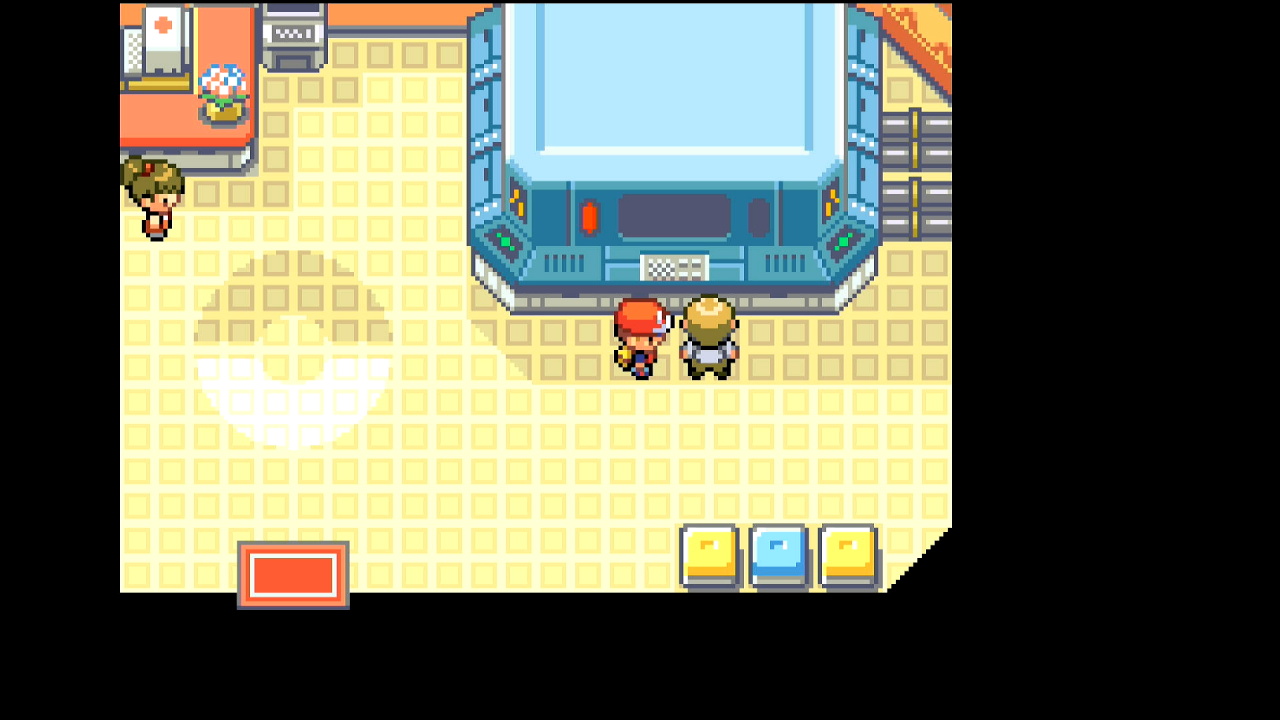
Save on the left side of Celio, facing him.
-
Enter the necessary information about your target seed and RNG advance (see options below)
- Start the program
For all targets, start the program after saving.
Calibration
After performing the in-game setup for your target, run the program for 1 reset and obtain whatever Pokémon you encounter. Determine how much you missed your seed and advance and adjust their calibration offsets as needed. Repeat until you hit your target.
There can be a small amount of inconsistency in the program, particularly when it comes to hitting seeds. If you are consistently within ±1 of your seed and advance, it might be a good idea to set Max Resets higher than 1 and let the program loop through several attempts until it hits a shiny.
Options
Game Information
Game Language:
The language corresponding the version of the game you're playing.
Target Options
Seed Button:
The button to be pressed when setting the seed. Set this with the help of an external RNG tool.
Extra Button:
Additional button presses during reset necessary to hit the target seed. Set this with the help of an external RNG tool.
Seed Delay Time (ms):
Sets the target amount of time to wait between starting the game and pressing A on the title screen. Set this with the help of an external RNG tool. Because the program needs to wait for the entire title screen sequence to finish, 30473ms is the lowest supported seed delay.
Avoid low seed delays when possible Depending on your hardware, the FRLG RNG programs have a chance to fail when using seed delays close to 30,500ms. This happens when the button press on the title screen comes too early and fails to advance the game to the next screen, throwing off all subsequent parts of the button press sequence.
If using a short seed delay, pay attention as the program opens the game and advances through the title screen. If you notice a problem or the program is unable to navigate to the encounter, either choose a new target with a higher seed delay or manually increase your seed calibration.
Seed Calibration (ms):
Modifies the seed delay time. This should be changed in the opposite of the direction that you missed your seed. Example: if you missed your target seed by +16ms (meaning the button press was too late), decrease your seed calibration by -16 (shortening the delay).
Continue Screen Frames:
The number of RNG advances before loading the game. Set this with the help of an external RNG tool. These pass at the "normal" rate compared to other consoles, with 1 RNG advance every frame. Note that the Advances of your target should be equal to the sum of your Continue Screen Frames and In-Game Advances.
Continue Screen Frames Calibration:
A "fine adjustment" that modifies the RNG advances passed on the Continue Screen. Set this to offset the program's timing by amount you missed your target advance. If you've missed your advance frame, you can calibrate your timing using either the Load Screen or In-Game advances. Example: if your target advance was 10000 and you hit 10025, you can decrease your calibration value by 25.
In-Game Advances:
The number of in-game RNG advances before triggering the gift/encounter. Set this with the help of an external RNG tool. These pass at double the rate compared to other consoles, where every frame results in 2 RNG advances. If using the Teachy TV, which advances frames at x313 speed, most of your target advances should be passed in-game. Warning: this value needs to be long enough to accomodate all in-game button presses prior to the gift/encounter
In-Game Calibration (frames):
A "coarse adjustment" that modifies the RNG advances passed after loading the game. If you've missed your advance frame, you can calibrate your timing using either the Load Screen or In-Game advances. Note that In-Game advances can only result in 2 by 2 changes in hit advances. Example: if your target advance was 10000 and you hit 8500, you can increase your calibration value by 1500.
Program Options
Max Resets:
Set this to the maximum number of resets to attempt. Only use this after you've dialed in your calibrations.
Use Teachy TV:
If checked, the program will open the Teachy TV to quickly advance in-game frames at 313x speed. Warning: can result in larger misses before calibration
User Profile Position:
The position, from left to right, of the Switch profile with the FRLG save you'd like to use. If this is set to 0, Switch 1 defaults to the last-used profile, while Switch 2 defaults to the first profile (position 1). Only useful if using a Switch 2 and playing on a profile other than the primary one.
Take Video:
Record a video when a shiny is found.
Go Home when Done:
Go to the Switch Home to idle when finished.
Credits
- Author: Astro (Tom)
Discord Server:
