Shiny Hunt - Bench Sit
See also: Shiny Hunting Recommendations
Program Description
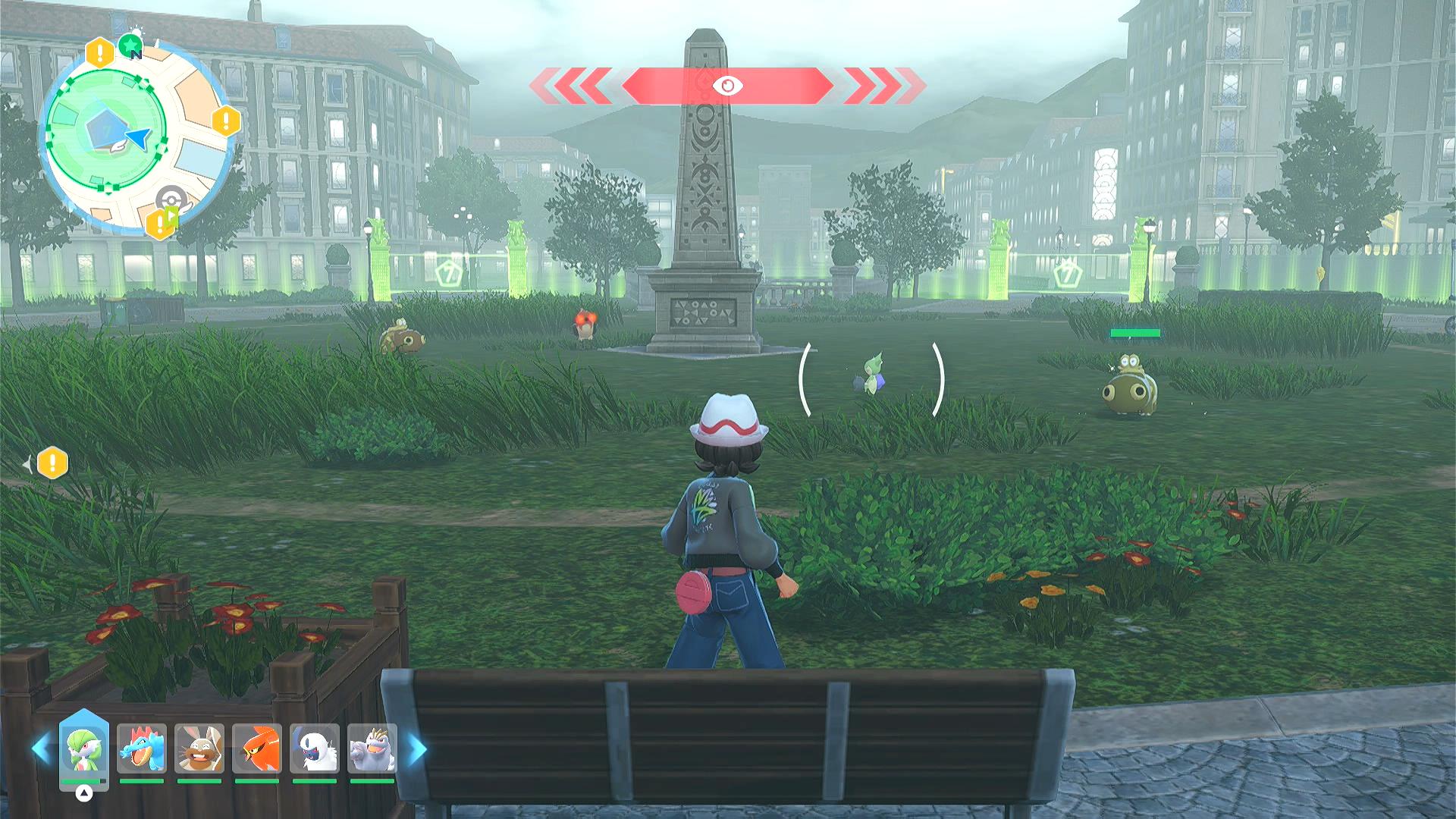
Shiny hunt by repeatedly sitting on a bench. This will shiny hunt all spawns within 50m of the bench.
While the primary mechanic of this method relies on the fact the game will save the last 10 shinies, this program will be also be able detect nearby shinies that play the shiny sound. Thus this program will be able to notify on a shiny and alternatively either stop the program or keep running in an attempt to spawn more shinies.
Because the shiny sound has a much smaller audible radius than the spawn radius, the vast majority of shinies will not be detected by the program. Likewise, shinies that spawn next to you will repeatedly play their shiny sound each time they respawn after a day reset. Therefore, this program will (by default) only notify and record a video on the first shiny that it hears to avoid spamming.
Settings
Switch Settings:
- Screen size: Must be 100% within the Switch settings
- Switch 2: All HDR options must be disabled.
Program Settings:
- Video Resolution: 1080p or higher
Game Settings:
- Text Speed: Fast
Instructions
- Face a bench such that the A button is visible.
- Start the program in the game.
Options
Shiny Sound Detected Action
When a shiny sound is heard, perform one of the following actions:
- Stop program and go Home. Send notification.
- Keep running. Notify on first shiny sound only. (default)
- Keep running. Notify on all shiny sounds.
The 3rd option is not advised as a shiny spawning next to you will lead to notification spam.
Desired Time of Day
Select which time of day the program should attempt to reach when repeatedly sitting at the bench.
Available options:
- Day
- Night
The program automatically detects the current in-game lighting conditions and continues sitting until the selected time of day is reached. Detection is performed using overworld coloration rather than UI elements, allowing reliable operation across different resolutions and capture setups.
⚠️ This setting cannot be changed while the program is running. Changing the desired time of day mid-run may interrupt dialog timing or player positioning, which can result in the player being attacked or knocked out by nearby wild Pokémon.
Desired Weather
Select which weather condition the program should attempt to reach when repeatedly sitting at the bench.
The program will continue sitting until the selected weather condition is detected in the overworld.
This allows targeting Pokémon that only appear during specific weather conditions while shiny hunting.
⚠️ This setting cannot be changed while the program is running. Changing the desired weather mid-run may interrupt movement or dialog timing and can result in unintended battles or the player being knocked out.
Take a Video
Record a video of the encounter. This will happen each time a notification is sent. So be careful if you are notifying on all shiny sounds as this may lead a lot of recorded videos of the same shiny.
Screenshot Delay
When a shiny is detected, wait this long before you take a screenshot and record a video. This will allow the screen to completely load before taking the screenshot.
Credits
- Author: Kuroneko/Mysticial
Discord Server:
