Re-flashing the microcontroller

When trying to connect your microcontroller to the Computer Control program, you may get an error with red text:
Incompatible protocol. Device: ...
Please flash your microcontroller (e.g. ESP32, Pico W, Arduino) with the .bin/.uf2/.hex that came with this version of the program.
This likely means that the firmware flashed to your microcontroller is out of date, and that you need to re-flash your microcontroller with updated firmware. You may remember flashing the microcontroller when you first set-up Pokemon Automation. With ongoing software updates, we do require users to re-flash the microcontroller with updated firmware from time to time.
The steps for flashing your microcontroller are outlined in one of the guides below. Please see the guide that matches your microcontroller.
Recommended Setups:
| Device Type | Guides | |
|---|---|---|
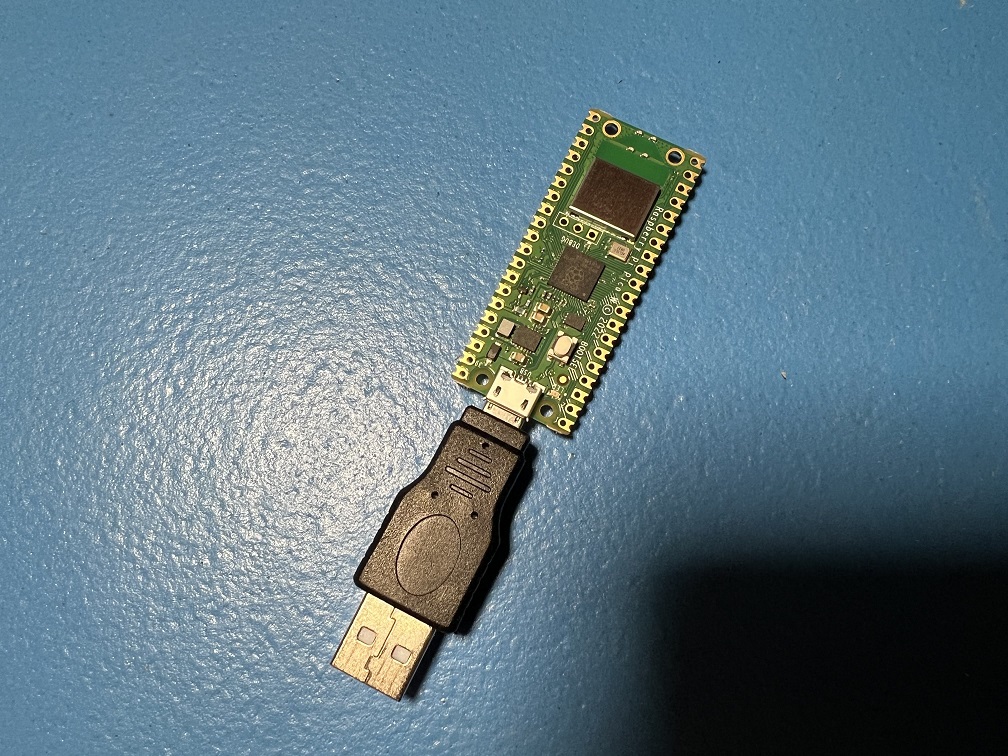 |
Raspberry Pi Pico W Raspberry Pi Pico 2 W (USB Mode) |
Guide |
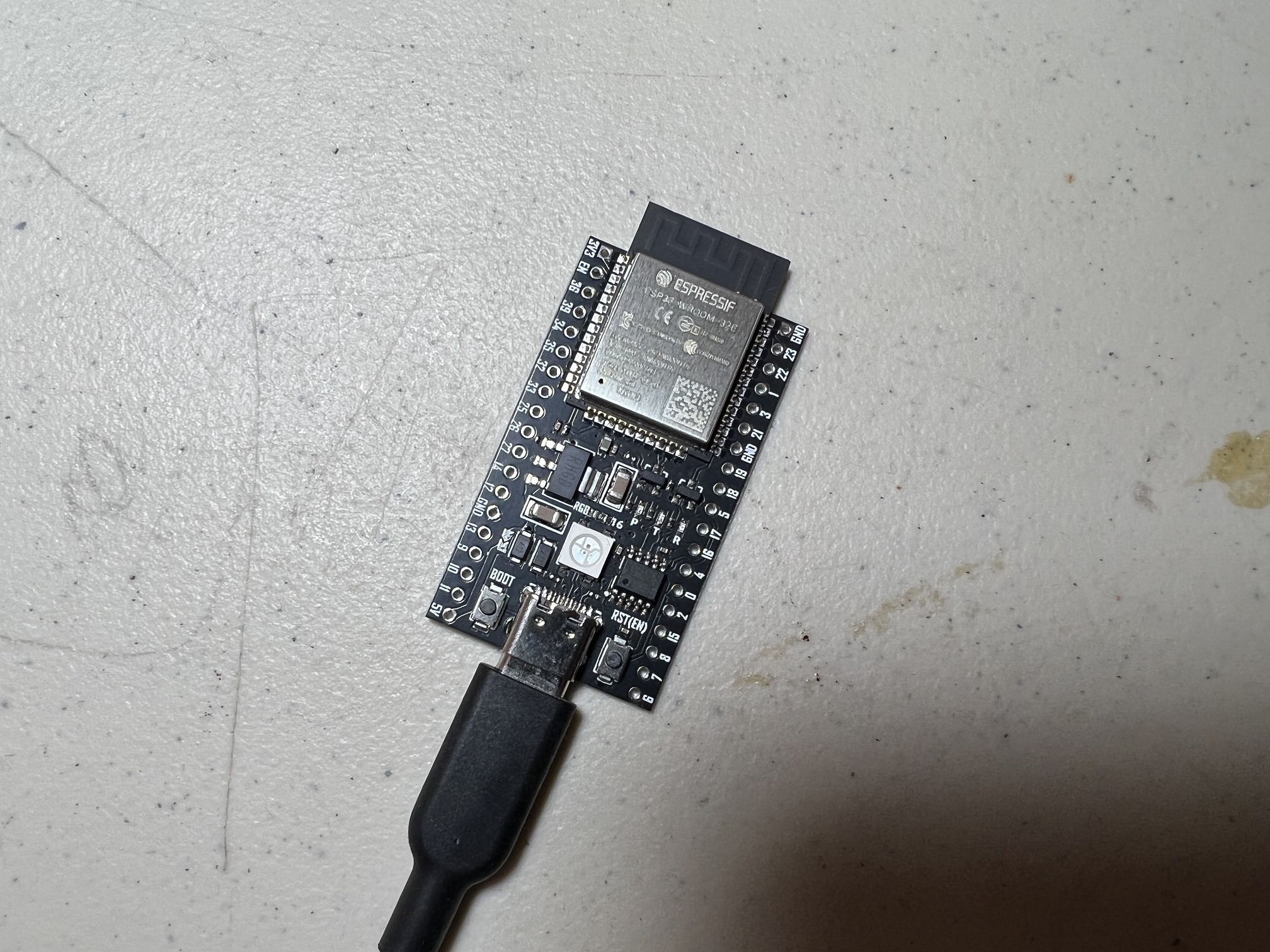 |
ESP32 | Windows Mac |
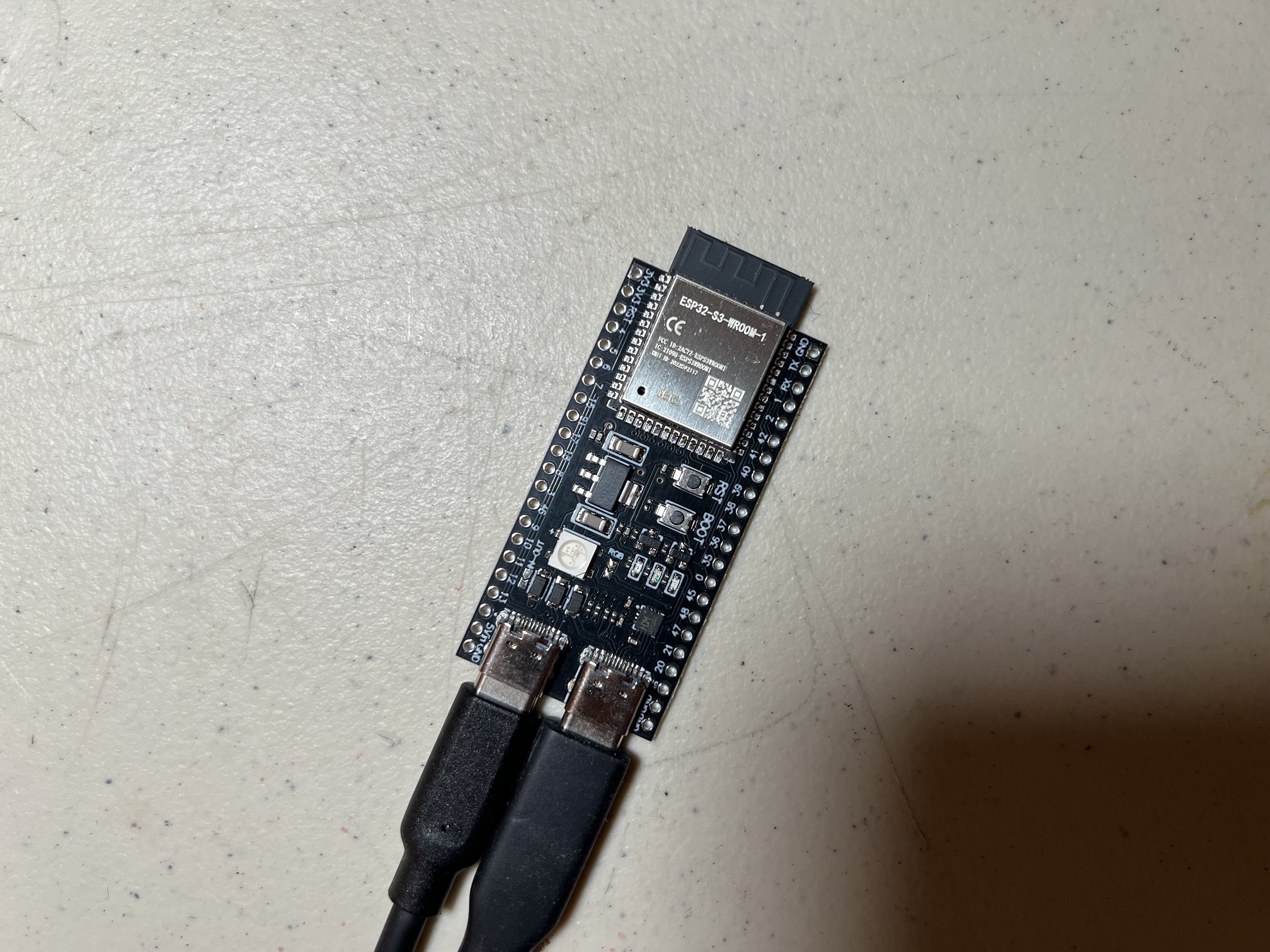 |
ESP32-S3 | Windows |
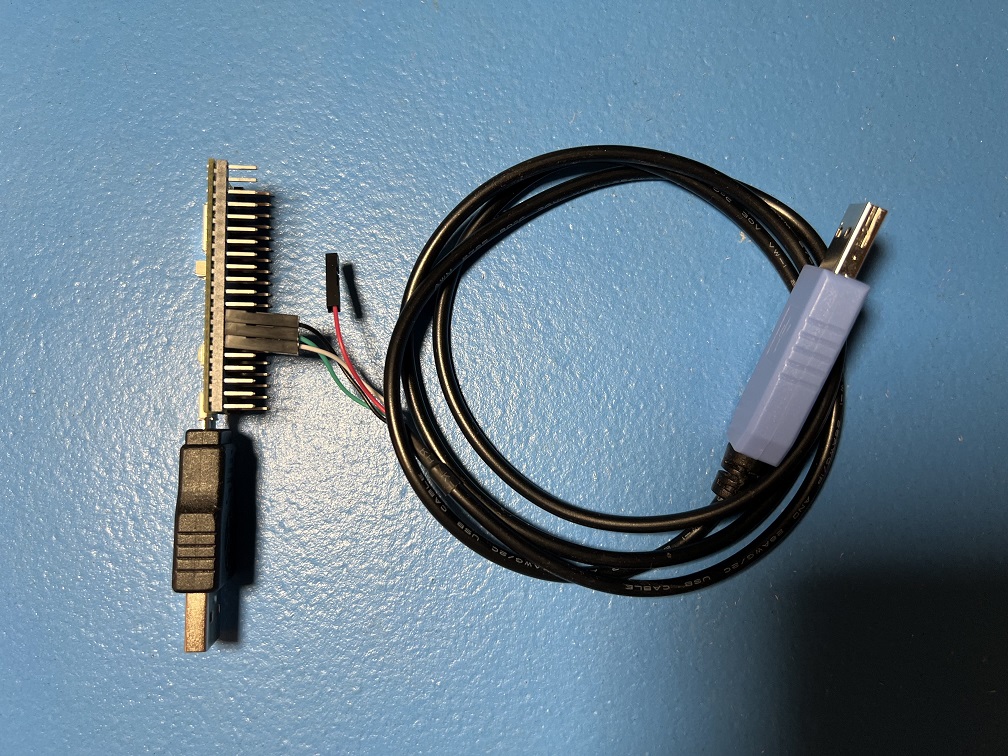 |
Raspberry Pi Pico W Raspberry Pi Pico 2 W (UART Mode) |
Guide |
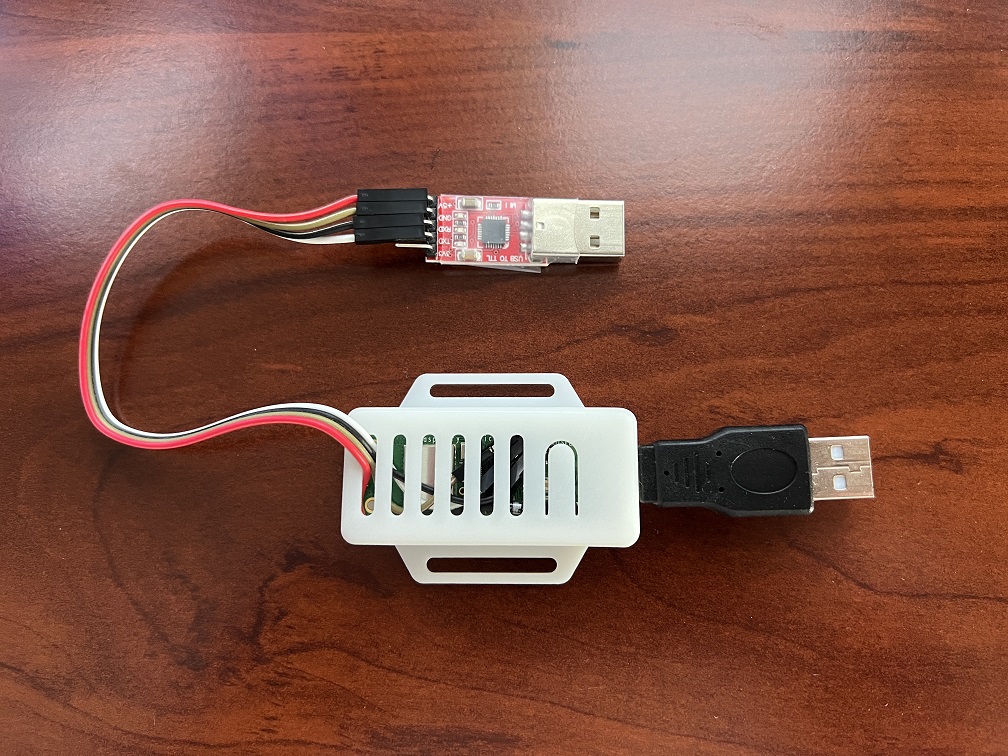 |
Raspberry Pi Pico W Raspberry Pi Pico 2 W (Advanced UART Mode) |
Guide |
Discontinued Setups:
These are former setups that are no longer supported. Please upgrade to one of the newer setups above.
| Device Type | |
|---|---|
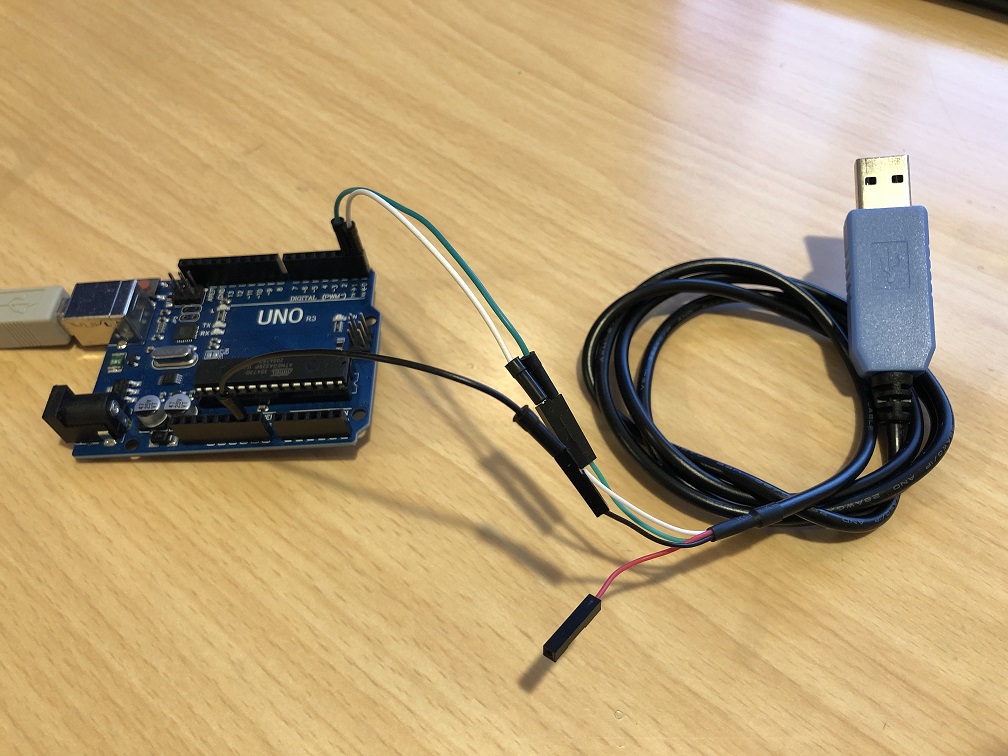 |
Arduino Uno R3 |
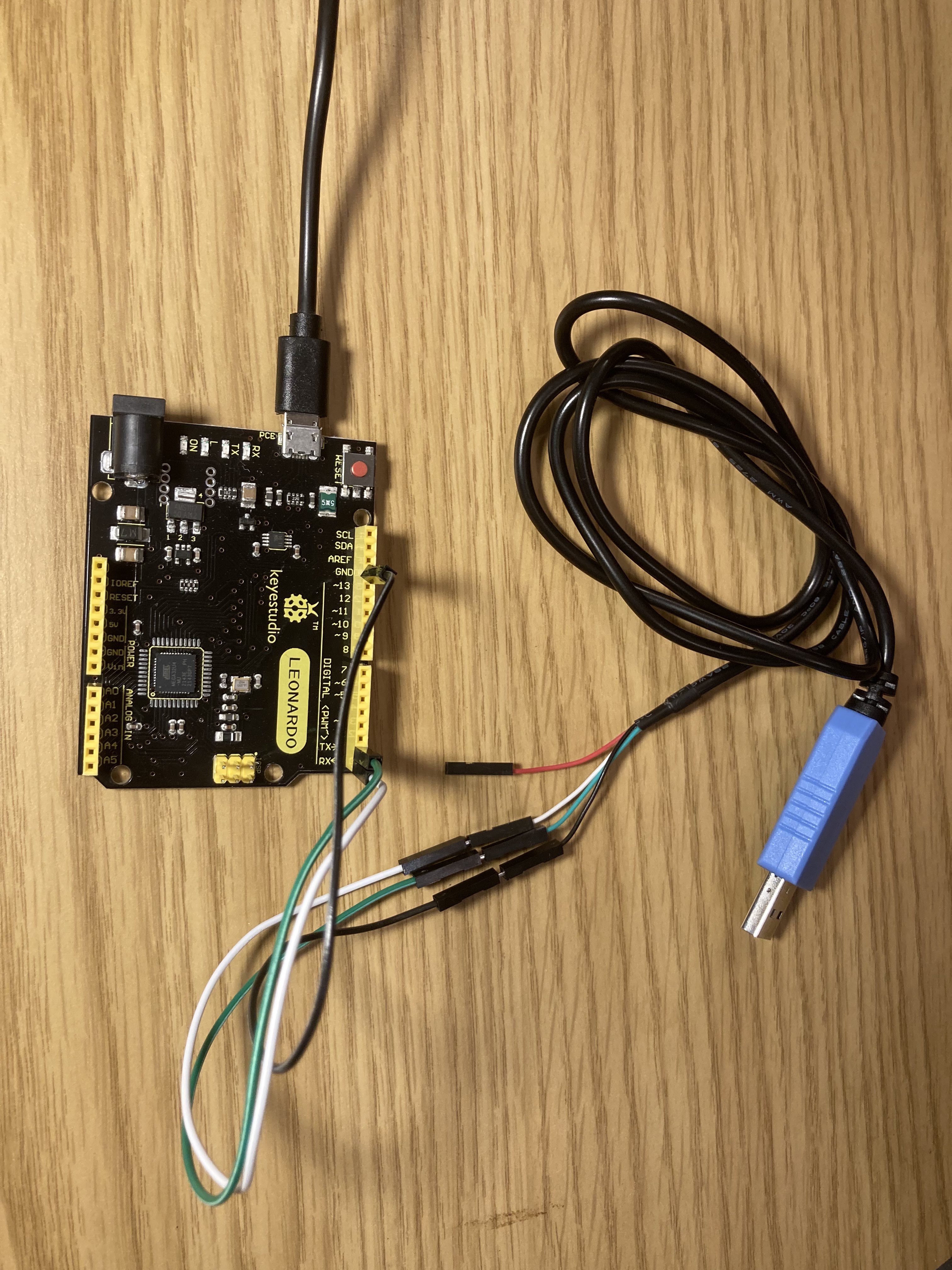 |
Arduino Leonardo |
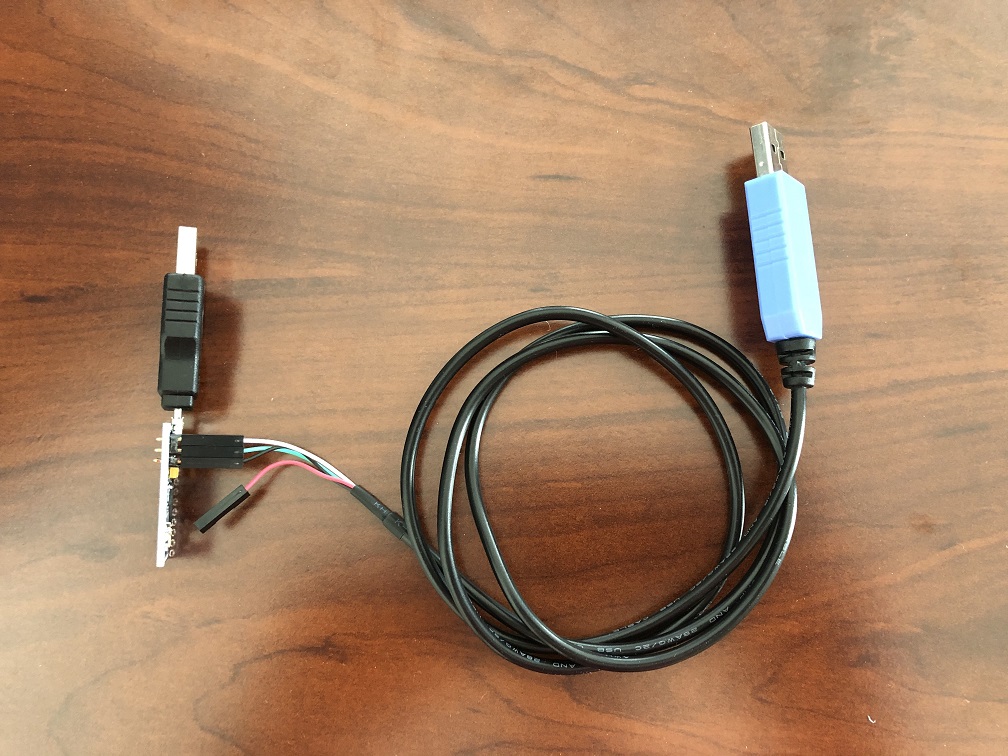 |
Pro Micro |
 |
Teensy 2.0 Teensy++ 2.0 |
Discord Server: